Accept Payment. Send Invoice. Get Paid.

Accept Payment. Send Invoice. Get Paid.

Accept Payment. Send Invoice. Get Paid.

Nymble Commerce supports B2B credit card processing through Worldpay and Authorize.net — so your buyers can pay when they order or over time based on terms. When you process payments through Nymble, you get our powerful invoicing tools included at no extra cost.

Background image
Worldpay and Authorize.net

Automated Invoicing Included — When You Process Payments Through Nymble

Automated Invoicing Included — When You Process Payments Through Nymble

Most B2B platforms charge separately for invoicing tools. With Nymble, it's included when you use us as your credit card processor.


Most B2B platforms charge separately for invoicing tools. With Nymble, it's included when you use us as your credit card processor.


Automatic invoice generation on every order

Offline‑first mobile app (iOS, iPadOS, Android)

Branded invoice templates with your logo and payment terms

High‑performance catalog and search with image caching

Customer‑specific pricing and promotions

Customer‑specific pricing and promotions

Automated payment reminders for overdue invoices

Barcode scanning and quick‑add

A live AR dashboard showing what's open, paid, and overdue

Multi‑ship‑to, multi‑payment capture


You shouldn't have to pay extra to get paid properly.


You shouldn't have to pay extra to get paid properly.

You shouldn't have to pay extra to get paid properly.

How It Works

How It Works

Step 1 — Connect Gateway

Set up your account in minutes. No custom development. No third-party middleware.


Step 2 — Your Buyers Order and Pay Online

When a buyer places an order through your Nymble storefront, or Rep app they can pay by credit card at checkout or choose net terms — based on the rules you've set for each customer.


Step 3 — Invoices Go Out. Payments Come In.

Nymble generates and sends a professional invoice automatically. Track payment status, send reminders, and reconcile your AR — all from one dashboard.

Step 1 — Connect Gateway

Set up your account in minutes. No custom development. No third-party middleware.


Step 2 — Your Buyers Order and Pay Online

When a buyer places an order through your Nymble storefront, or Rep app they can pay by credit card at checkout or choose net terms — based on the rules you've set for each customer.


Step 3 — Invoices Go Out. Payments Come In.

Nymble generates and sends a professional invoice automatically. Track payment status, send reminders, and reconcile your AR — all from one dashboard.

Get a complete Customer picture with integrated B2B customer portal and mobiel sales.

Invoicing that makes sense

Feature-Image-07

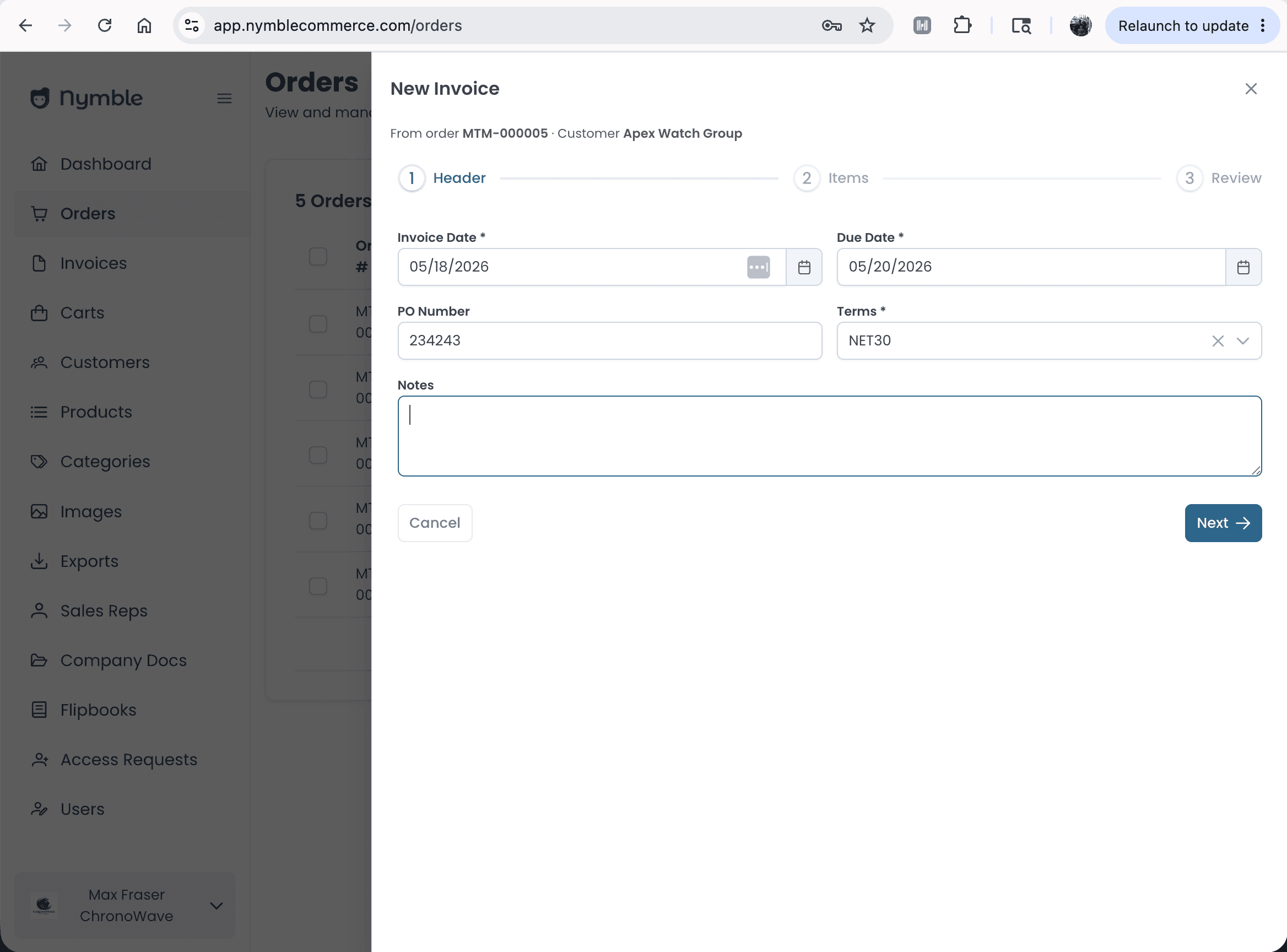
Add Invoice

Pick the due date and make sure the pre-filled terms and Rep are correct.
Feature-Image-07

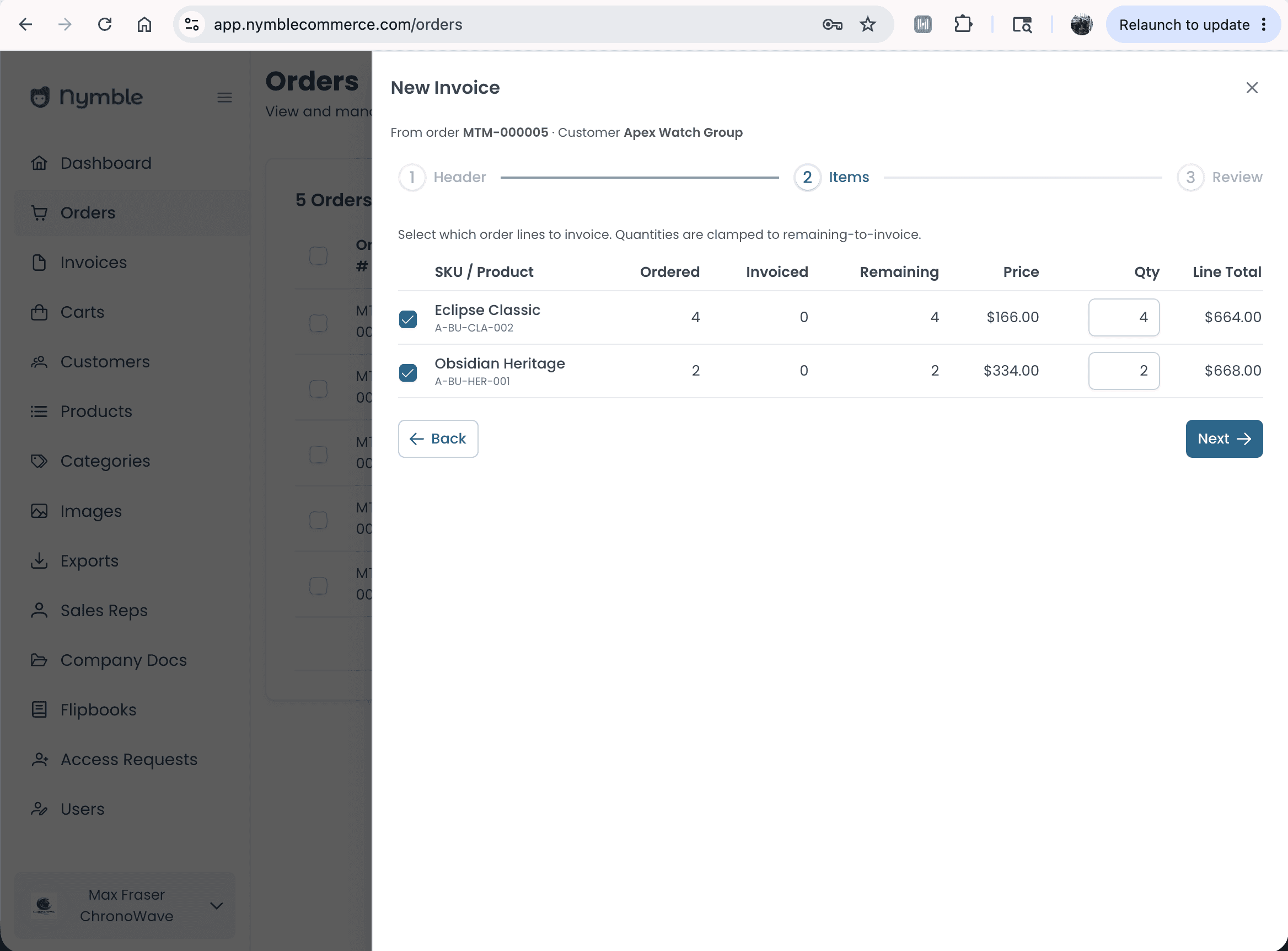
Review Items

Make sure all of the items from the order are correct on pricing and quantity.
Feature-Image-07

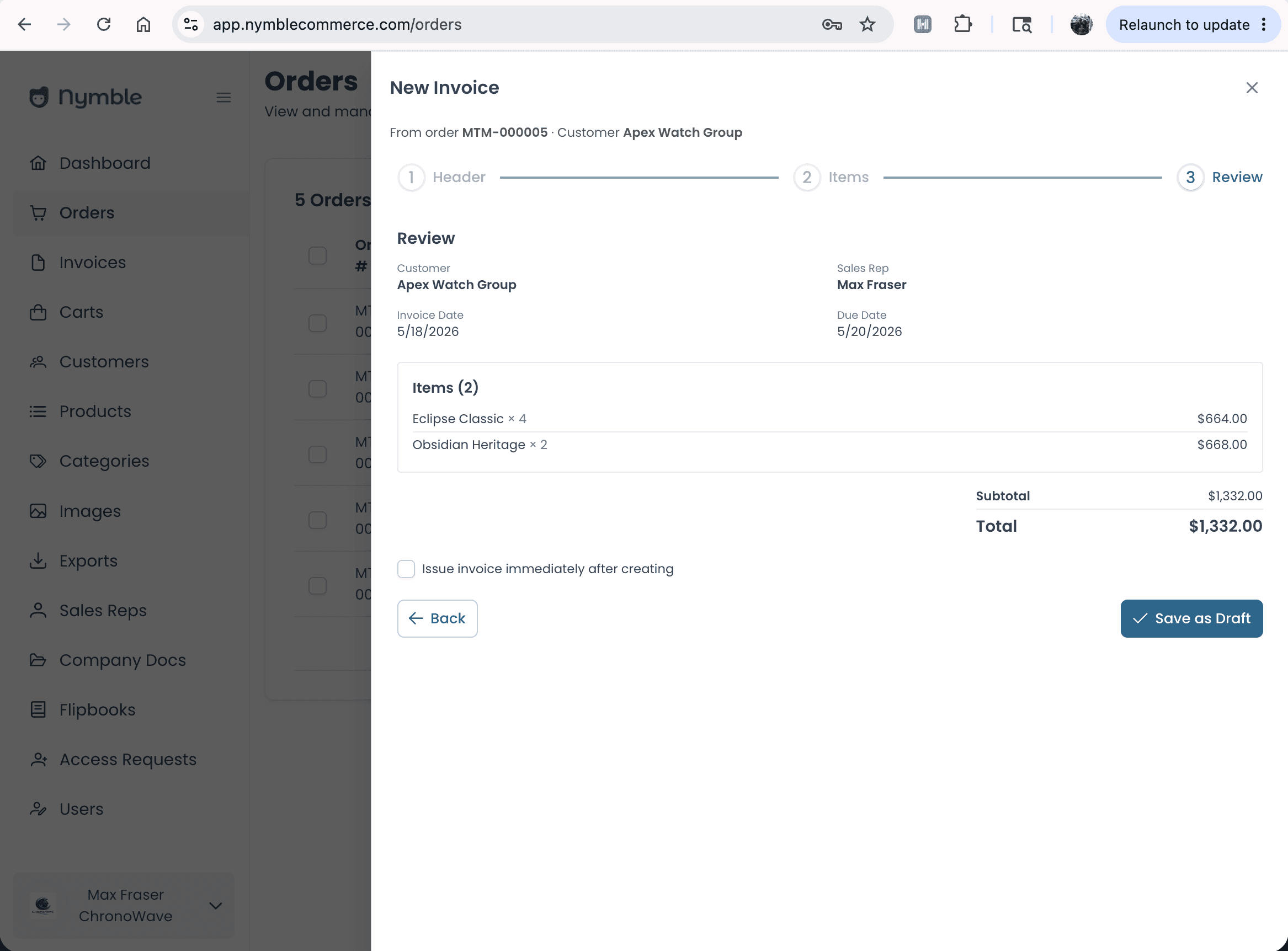
Save & Manage

After you save the invoice there are a lot of ways to curate the delivery.
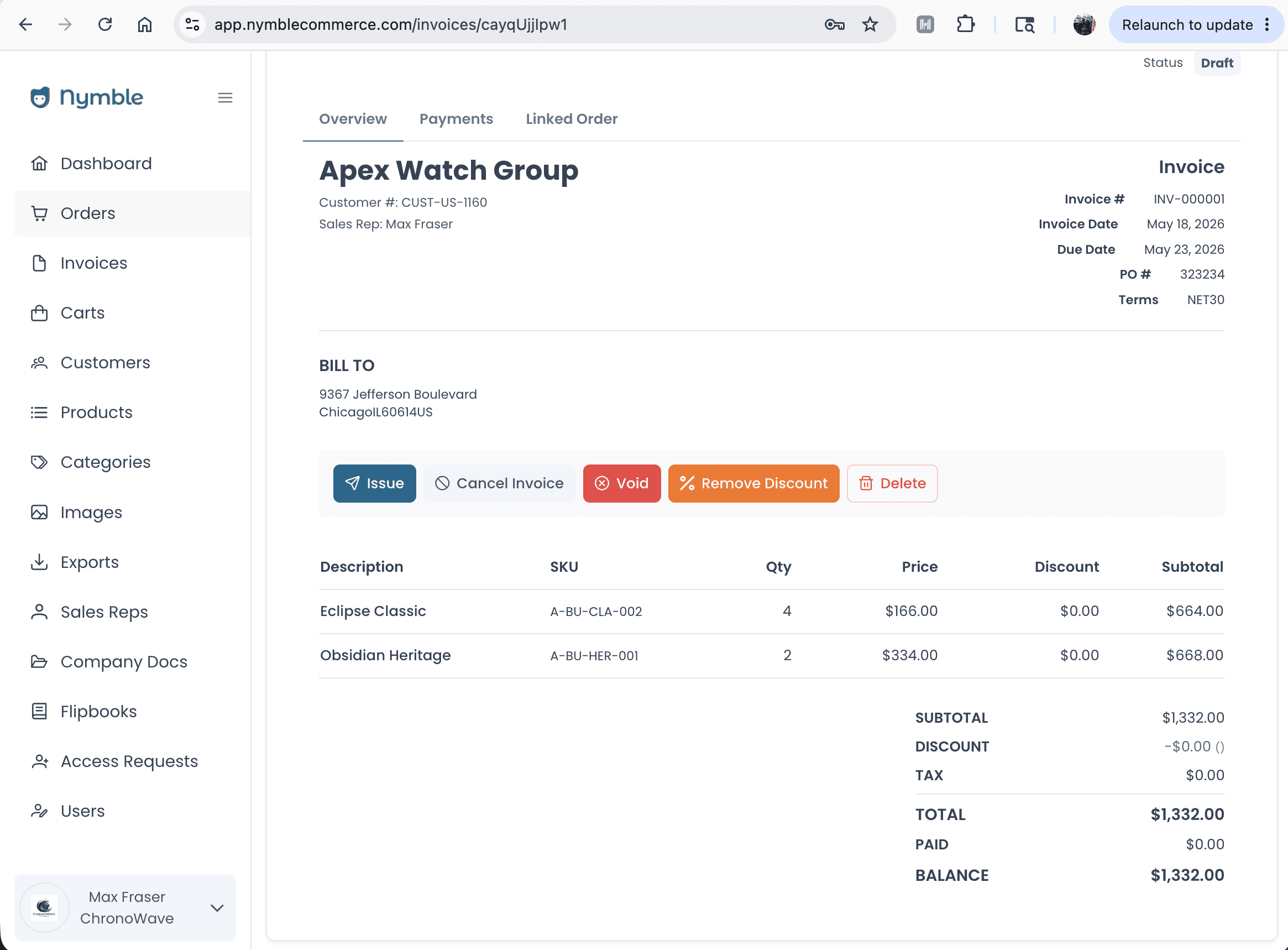
See the Whole Picture

Once the invoice is saved you have multiple ways to edit and deliver it.

Add or Remove Discounts

Offline‑first mobile app (iOS, iPadOS, Android)

Cancel or Delete the Invoice

Offline‑first mobile app (iOS, iPadOS, Android)

Send a Formatted Invoice to Your Customer

Offline‑first mobile app (iOS, iPadOS, Android)

Once the invoice is saved you have multiple ways to edit and deliver it.

See the Whole Picture

Request a Demo Today!

Get started today and unlock the power of integrated B2B Sales & B2B eCommerce.

Request a Demo Today!

Get started today and unlock the power of integrated B2B Sales & B2B eCommerce.

Request a Demo Today!

Get started today and unlock the power of integrated B2B Sales & B2B eCommerce.